
Court Bookings
Instructions
Scroll through the court calendars below to find a time you would like to reserve (within the next 10 days), sign in using the link at the bottom of the calendar, and then click on the time.
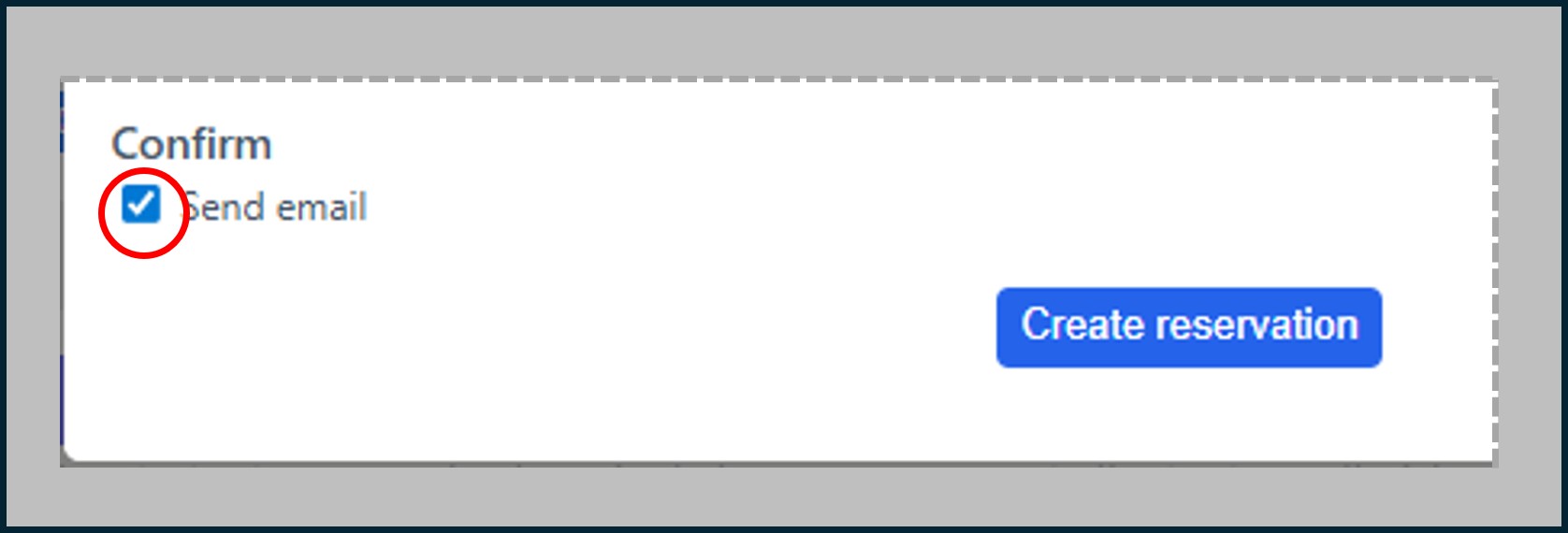
Hint: check ‘Send email’ (as shown in the example here) when creating the reservation – it makes it easier to refer to or change the reservation later.
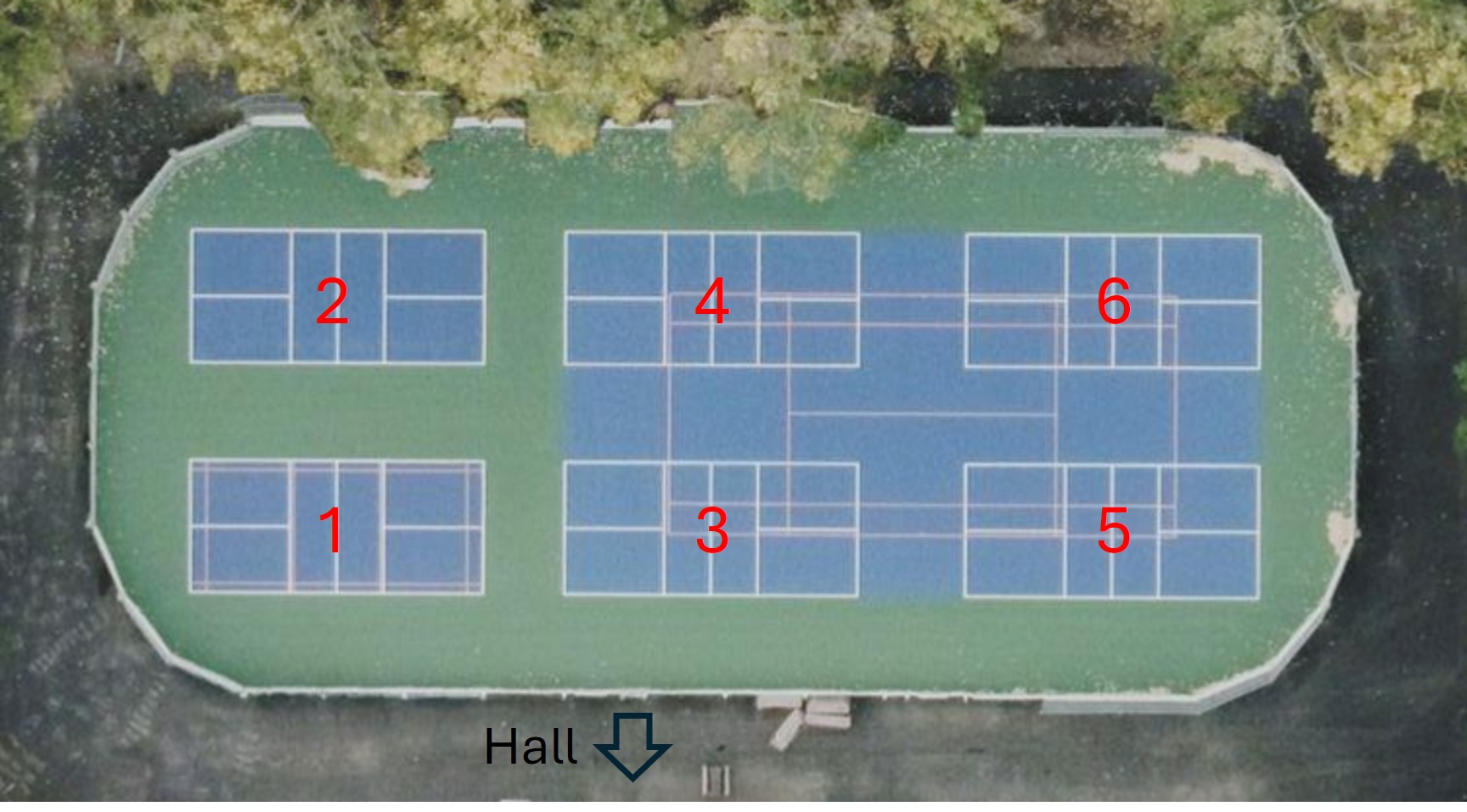
The tennis court and pickleball courts 3 to 6 share a playing surface. Reserving a time in any of these courts will automatically affect what is available for the remaining courts – refresh the page to see updates for all courts.
Nets are available – click Court Information for access instructions to the outside storage locker.
Community League Membership – A community league membership is required to use the courts and to reserve times. If you do not currently have a membership, click on Membership in the menu bar above to add one. If you do not live in the community and want to use use the courts, you can become an associate member.
Pickleball 1 / Badminton [Details]
Jump to: 1 | 2 | Tennis | 3 | 4 | 5 | 6
Hint: after signing in to one calendar, refresh the page to automatically sign in on all of the others.
Pickleball 2 [Details]
Jump to: 1 | 2 | Tennis | 3 | 4 | 5 | 6
Hint: after signing in to one calendar, refresh the page to automatically sign in on all of the others.
Tennis (courts 3 to 6) [Details]
Jump to: 1 | 2 | Tennis | 3 | 4 | 5 | 6
Hint: after signing in to one calendar, refresh the page to automatically sign in on all of the others.
Pickleball 3 [Details]
Jump to: 1 | 2 | Tennis | 3 | 4 | 5 | 6
Hint: after signing in to one calendar, refresh the page to automatically sign in on all of the others.
Pickleball 4 [Details]
Jump to: 1 | 2 | Tennis | 3 | 4 | 5 | 6
Hint: after signing in to one calendar, refresh the page to automatically sign in on all of the others.
Pickleball 5 [Details]
Jump to: 1 | 2 | Tennis | 3 | 4 | 5 | 6
Hint: after signing in to one calendar, refresh the page to automatically sign in on all of the others.
Pickleball 6 [Details]
Jump to: 1 | 2 | Tennis | 3 | 4 | 5 | 6
Hint: after signing in to one calendar, refresh the page to automatically sign in on all of the others.